

Tree View Workflows
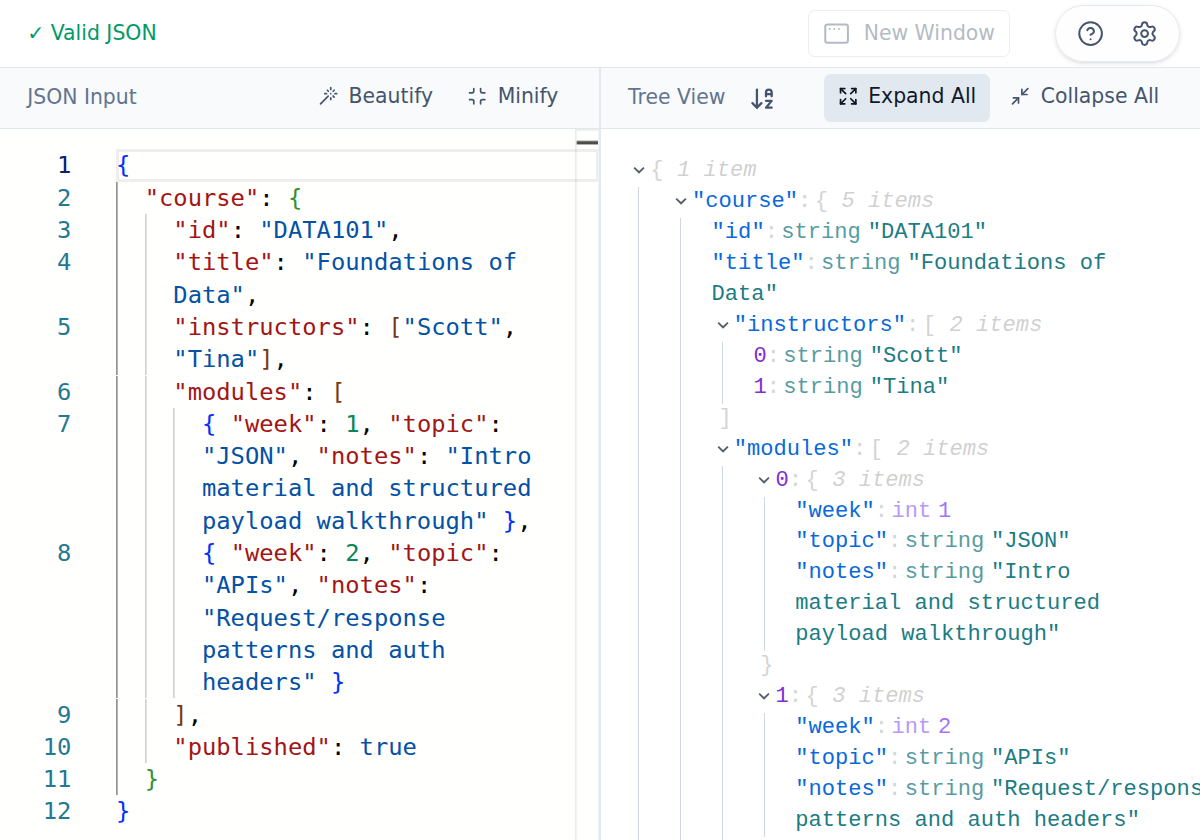
Once JSON is valid, the right panel shows an interactive tree representation.
Useful controls
Section titled “Useful controls”- Expand All / Collapse All for large payload navigation.
- Sort keys (A→Z) toggle for deterministic object inspection.
- Optional display settings for data types, child counts, and long-string trimming.
Practical tips
Section titled “Practical tips”- Keep the editor on the left and tree on the right while debugging nested payloads.
- Use sorting when comparing object-heavy payloads to reduce visual noise.
- If the tree disappears, check the status bar first—there is likely a parse error.