

Diff Viewer
The Diff Viewer opens a dedicated side-by-side comparison workspace so you can review JSON changes without losing your main editor context.
What it does
Section titled “What it does”- Shows original (left) and modified (right) JSON side-by-side.
- Validates both sides independently and surfaces parse errors inline.
- Highlights additions, removals, and edits directly in the Monaco diff editor.
- Includes Format both to normalize valid JSON before review.
Example: before and after
Section titled “Example: before and after”In the Mac app, open Diff Viewer from File → Open Diff Viewer (or press Shift+Cmd+D), then paste JSON into both panes.
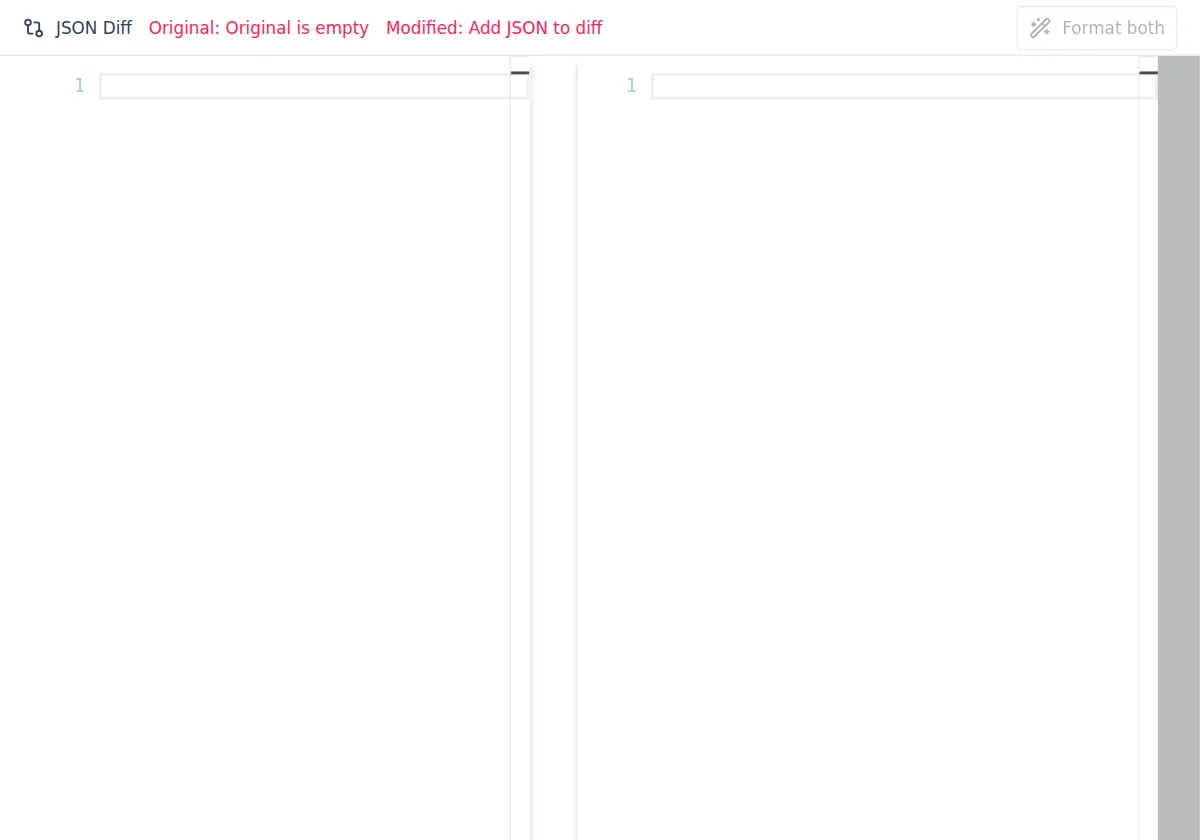
After adding both versions, click Format both to normalize JSON on each side, then review the highlighted changes.
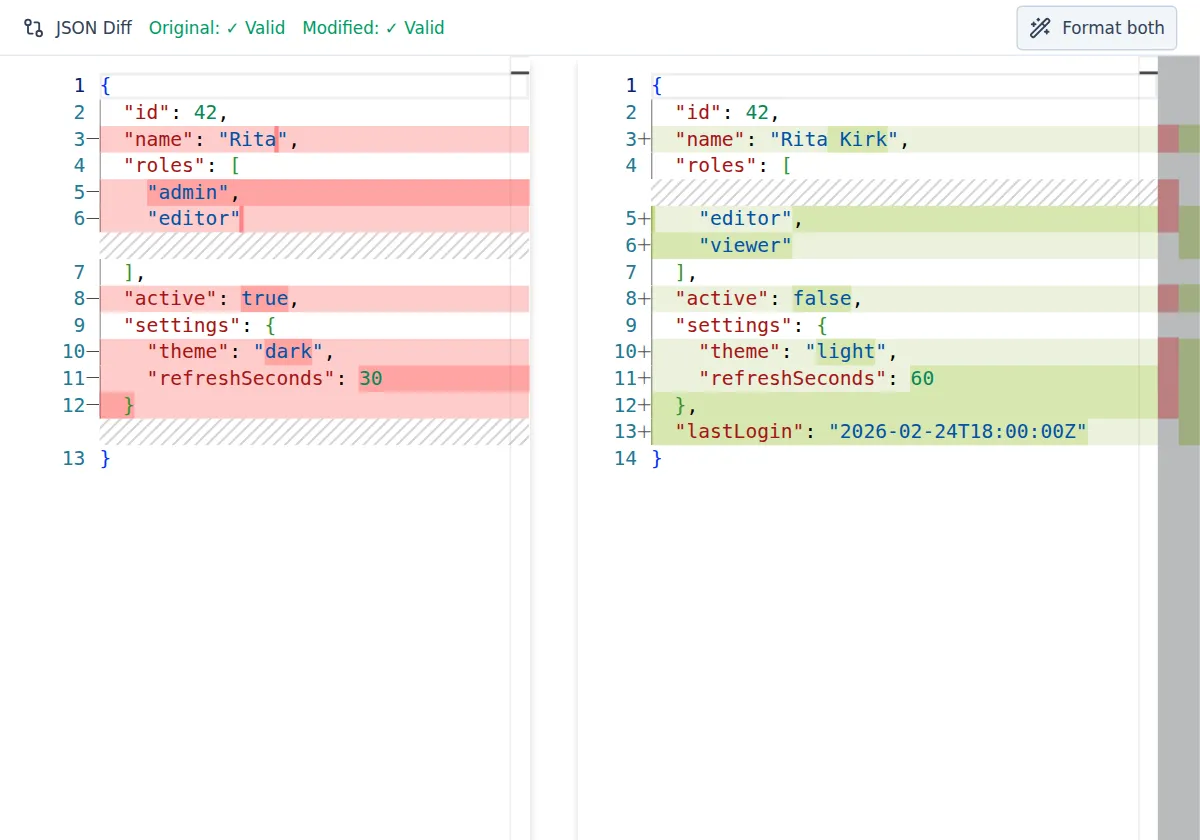
- Keep related objects in the same order before diffing to reduce noise.
- Use Format both before final review so whitespace-only changes are minimized.
- If one side is invalid JSON, fix that side first to get accurate structural diffs.