

Anonymize to New Window
Use File → Anonymize to New Window (or Shift+Cmd+A) to sanitize sensitive payloads without losing shape, keys, or nesting.
How the flow works
Section titled “How the flow works”- Start with valid JSON in the main editor.
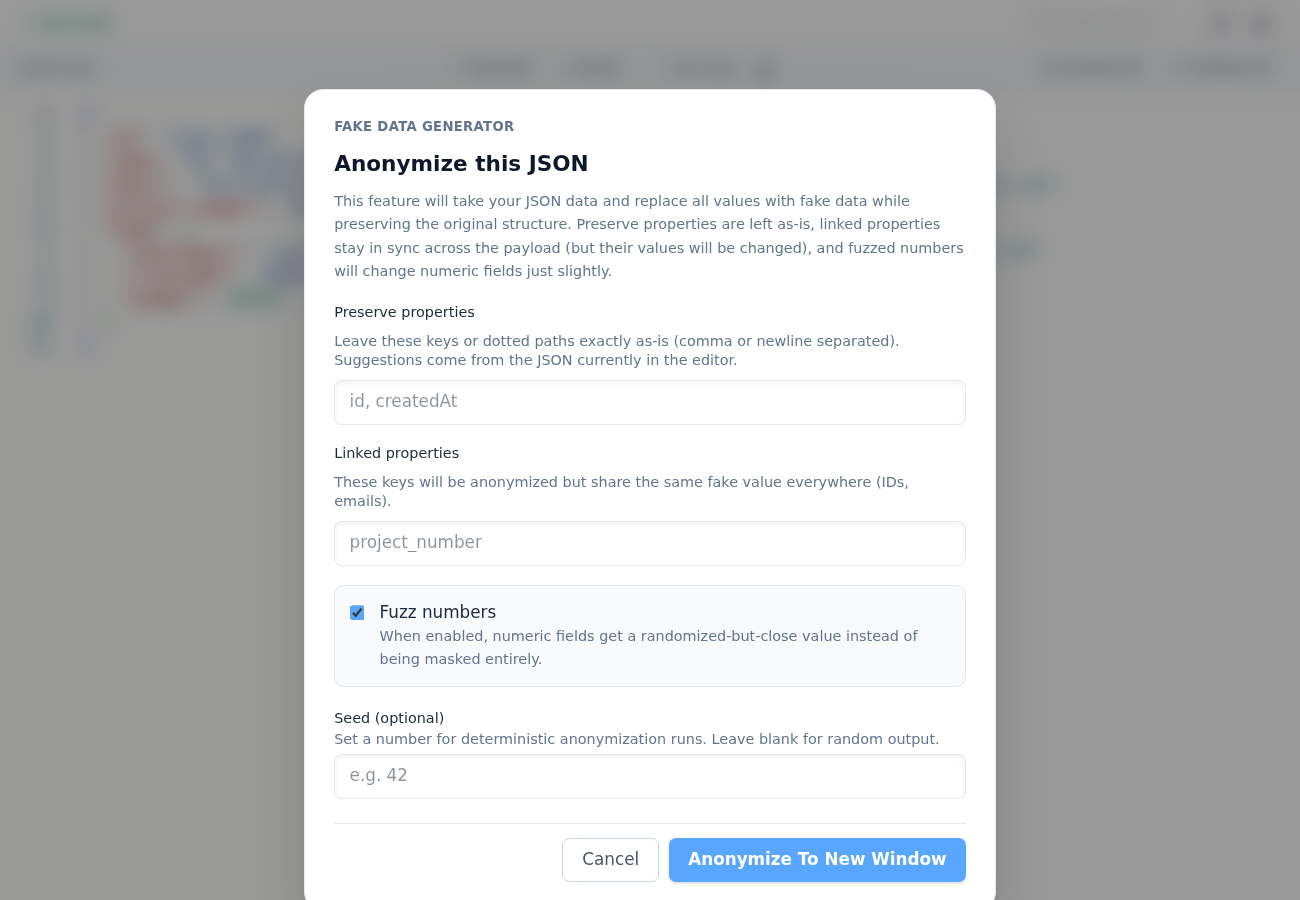
- Open the anonymize modal from the File menu.
- Configure options:
- Preserve properties (leave fields untouched)
- Linked properties (same fake value across occurrences)
- Fuzz numbers (optional)
- Seed (optional deterministic output)
- Click Anonymize To New Window.
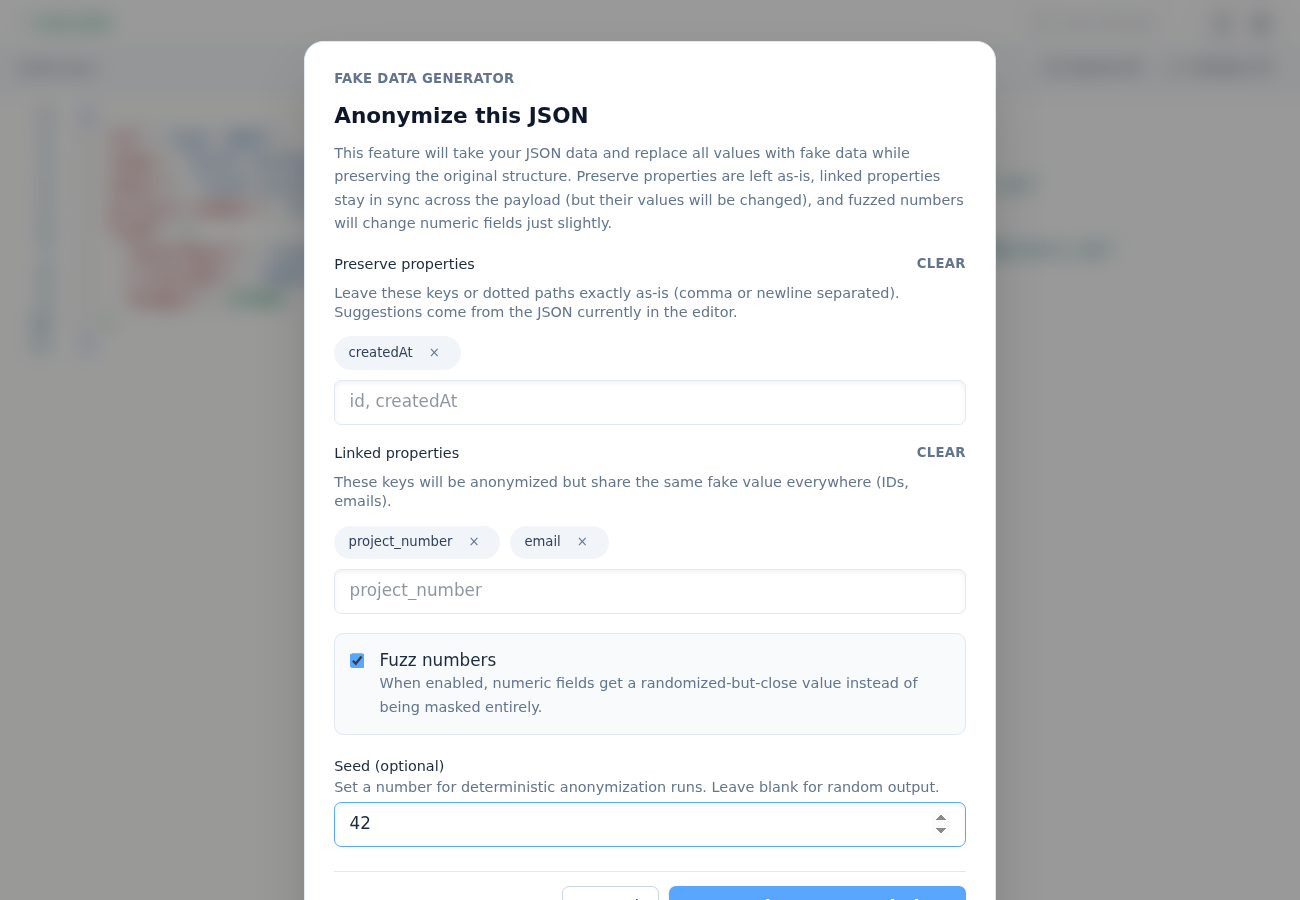
A new window opens with anonymized JSON content so your original payload remains unchanged.
Practical tips
Section titled “Practical tips”- Put timestamps (like
createdAt) in Preserve properties when you need realistic timelines in examples. - Put identifiers/emails in Linked properties when repeated references should stay internally consistent.
- Use a fixed Seed when you want stable docs or test fixtures across runs.